Roland SC-88 Pro Owner's Manual Page 105
- Page / 216
- Table of contents
- TROUBLESHOOTING
- BOOKMARKS

- OWNER'S MANUAL 1
- IMPORTANT SAFETY INSTRUCTIONS 2
- SAVE THESE INSTRUCTIONS 2
- CAUTION 3
- Introduction 4
- IMPORTANT NOTES 5
- CONTENTS 6
- Front and rear panel 8
- Chapter 1 9
- Computer Switch : MIDI 10
- If this moves, MIDI messages 11
- Press this to 11
- ■ Try out the various sounds 12
- Chapter 1. Try out the unit 14
- ■ Apply effects to the sound 15
- ■ Headphones 17
- Chapter 2 19
- ■ Parts and sounds 20
- Sound 15 24
- Sound 16 24
- (Velocity Sens Offset) 28
- Drum Set 29
- Keyboard 29
- Instrument 1 Instrument 2 31
- Vib. 34
- Set the sounds of 37
- Native map 37
- Set the sounds of SC-88 Map 37
- ■ System parameter settings 38
- ■ Using Patches 41
- P.Load Init 42
- Patch Channels 43
- 026*TR-808 44
- /DELAY column 46
- Chapter 3 47
- Single Module Mode 49
- Double Module Mode 49
- Chapter 3.System Effects 49
- ■ System Effect settings 50
- (p.116) is selected 56
- Chapter 4 57
- ■ Insertion effect settings 58
- DelayCmp 80
- Saw1 Saw2 85
- Overdrive/ 89
- Distortion 89
- Auto Wah 92
- Chapter 5 97
- User Instrument 98
- MIDI message 98
- Select the sound parameter 99
- Write UI 64/032? 100
- 01 Stereo-EQ 101
- 1 RB STRAT 102
- -USER PATCH01 103
- INSTRUMENT 104
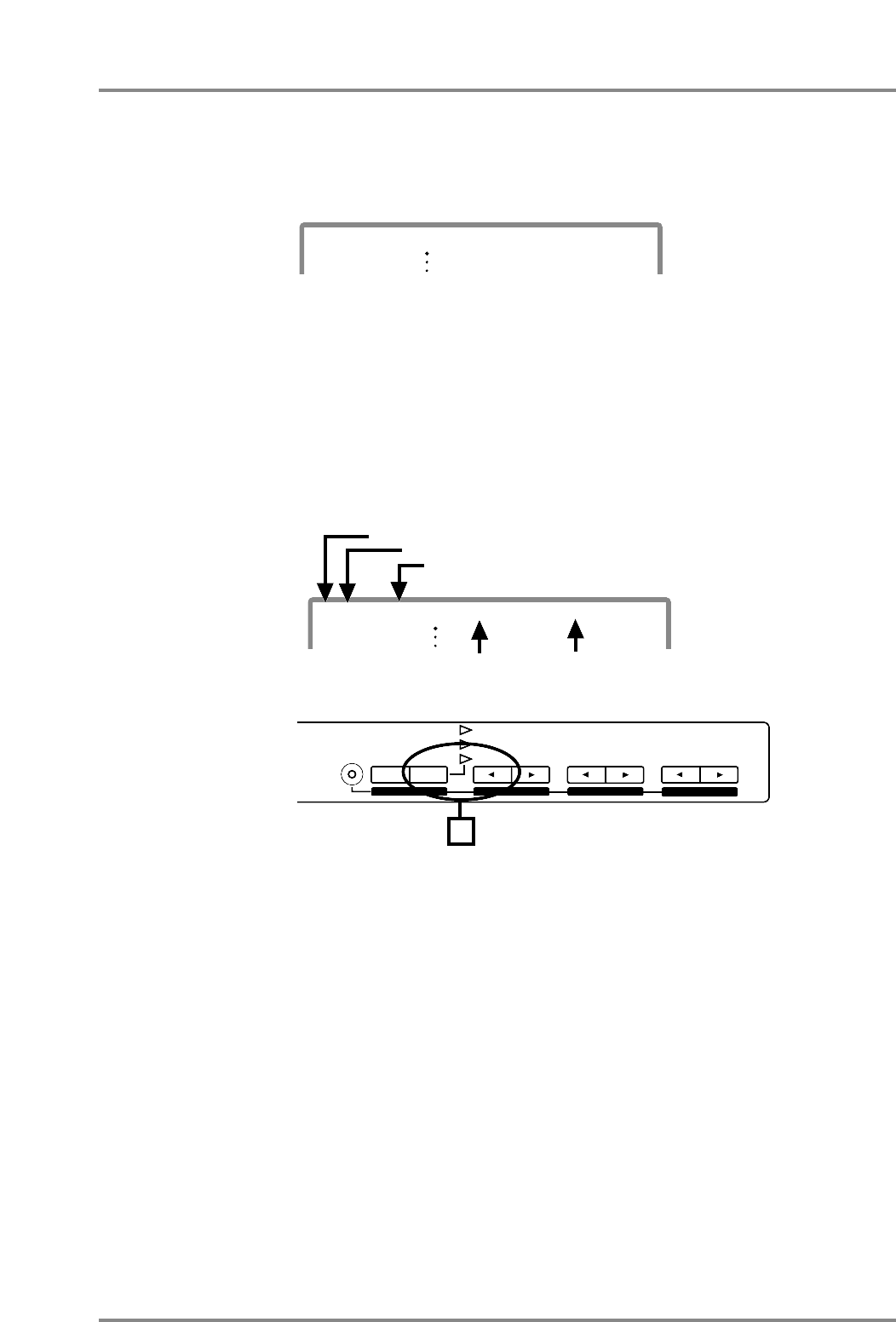
- 001 C#3 CrshCym1 105
- Write UD D#3/65? 106
- Write U.DRUM 65? 107
- 2. Use PART [ll 108
- Data Transmission 111
- MIDI OUT 111
- MC-50mkII 111
- II, press [SC-55 MAP] button 116
- ■ Initialize 120
- Chapter 6 121
- IBM PC/AT 122
- Apple Macintosh 122
- RSC-15APL 122
- RSC-15AT 122
- NEC PC-9800 123
- Macintosh IIci 124
- Part group A 125
- Part group B 125
- This unit 127
- Variation 128
- Instruments 128
- Exclusive data addresses 130
- Chapter 7 131
- ■ About MIDI 132
- Note name 133
- MIDI note number 133
- Other exclusive messages 135
- ■ Device ID number settings 136
- MIDI OUT/THRU Select : OUT 138
- MIDI OUT/THRU Select : THRU 138
- Chapter 7. MIDI and the unit 140
- MUTE Lock (Mute Lock) On/Off 141
- GM System On are received 142
- 001_Piano 1 143
- ❍ Reverb / Chorus / Delay 146
- ❍ Equalizer 146
- Chapter 8 147
- ■ Troubleshooting 148
- ■ If a message appears 150
- For IBM PC/AT (25-pin) 151
- Chapter 8. Appendix 152
- ● Effects 153
- ● Drum edit 154
- ● User edit 154
- ● MIDI-related 154
- ● System functions 154
- ■ Instrument list 156
- Synth SFX 161
- Ethnic, etc 161
- SC-55 MAP (CM-64 Sound Map) 164
- ■ Drum set list 165
- Native Drum set (1) 166
- Native Drum set (2) 167
- Native Drum set (3) 168
- Native Drum set (4) 169
- Native Drum set (5) 170
- Native Drum set (6) 171
- Native Drum set (7) 172
- SC-88 Drum set (1) 173
- SC-88 Drum set (2) 174
- SC-88 Drum set (3) 175
- SC-55 Drum set 176
- ■ Effect list 178
- ❍ Others 180
- (series 2) 181
- ■ Effect data table 185
- ■ Preset Patch list 188
- Section 1. Receive data 190
- Section 2. Transmit data 194
- (Model ID=45H or 42H) 195
- Section 4. Bulk Dump 207
- CLASSE B 215
- Specifications 216
Related products and manuals for Musical Instruments Roland SC-88 Pro
 (139 pages)
 (140 pages)
(98 pages)
(140 pages)
(98 pages)


 (128 pages)
(196 pages)
(250 pages)
(114 pages)
(182 pages)
(128 pages)
(186 pages)
(148 pages)
(36 pages)
(228 pages)
(128 pages)
(196 pages)
(250 pages)
(114 pages)
(182 pages)
(128 pages)
(186 pages)
(148 pages)
(36 pages)
(228 pages)
© 2020, manymanuals.com. All rights reserved. | 0.048 s |
 Manymanuals.com
 Manymanuals.de
 Manymanuals.fr
 Manymanuals.it
 Manymanuals.pl
 Manymanuals.cz
 Manymanuals.es
 Manymanuals-pt.com
Comments to this Manuals